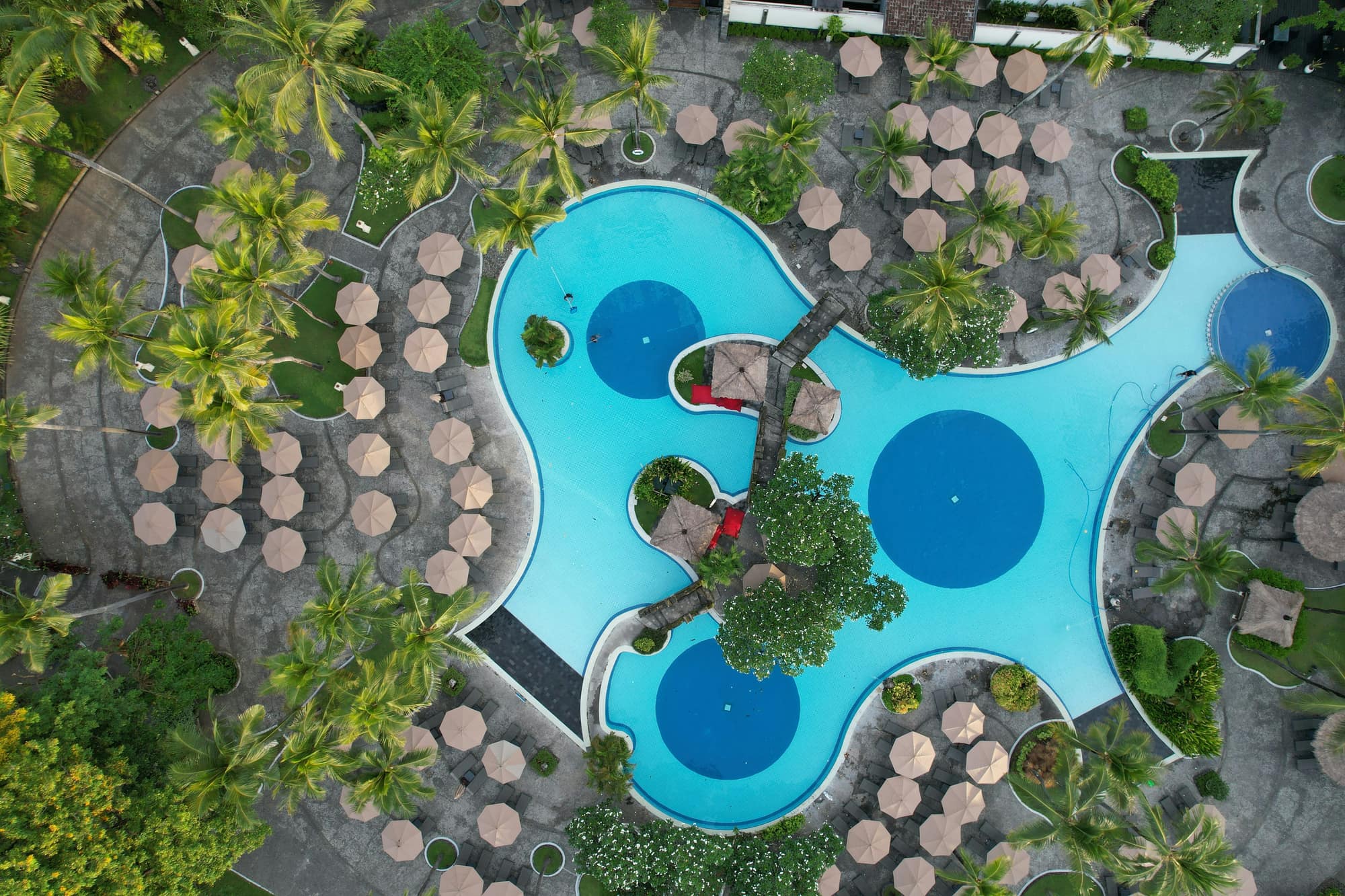



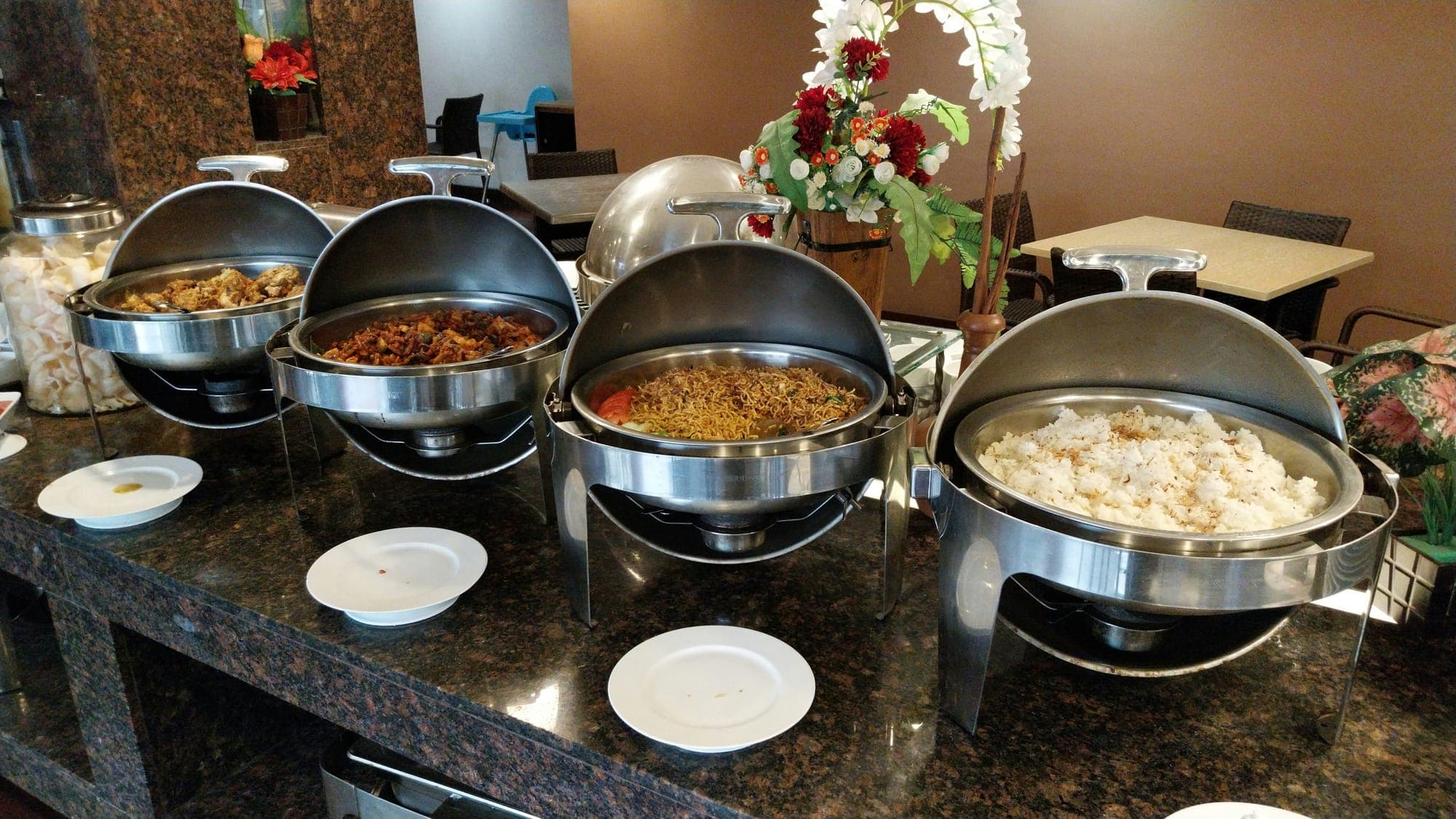
A hotel's food and beverage operation is spread across very different points: restaurants, bars, the pool, the beach and room service, each running at its own pace. When hotels think about going digital, the first thing that comes to mind is usually a QR menu. Yet the real value comes from the whole flow working as one: an order leaving the guest's phone, reaching the right team, being measured and turning into a report.
In this article we go through the steps you can follow to digitalise your hotel's F&B operations. Each step builds on the previous one, and you do not have to do them all at once.
1. Map Your Outlets and Order Flows#
Before choosing any tool, write down how you work today. For each outlet, answer these questions:
- Who takes orders here, and how?
- Which team does the order go to: bar, kitchen or room service?
- When is it open, and when is it busy?
- Are items included in the stay, paid, or does it depend on the time of day?
This map is the foundation for every step that follows. A cocktail ordered at the pool bar and a breakfast ordered from a room take different paths, and the system needs to know the difference.
2. Turn the Menu Into Digital Data With Rules#
A digital menu is not a screenshot of the paper menu. Each item should be its own record and carry the following:
- Price and included/paid status. In all-inclusive hotels the same item may be free at one time of day and charged at another.
- Time-slot rules. You should be able to define complimentary and paid hours, and the system should show this correctly to guests.
- Allergen and calorie information. So guests can order with confidence and staff do not have to answer the same question all day.
- Translations. Item names and descriptions in every language your guests speak.
Keep the category structure simple#
Each outlet should only show what is actually served there. Seeing the dinner menu at the pool tires guests and leads to wrong orders.
3. Add QR Ordering to Every Location#
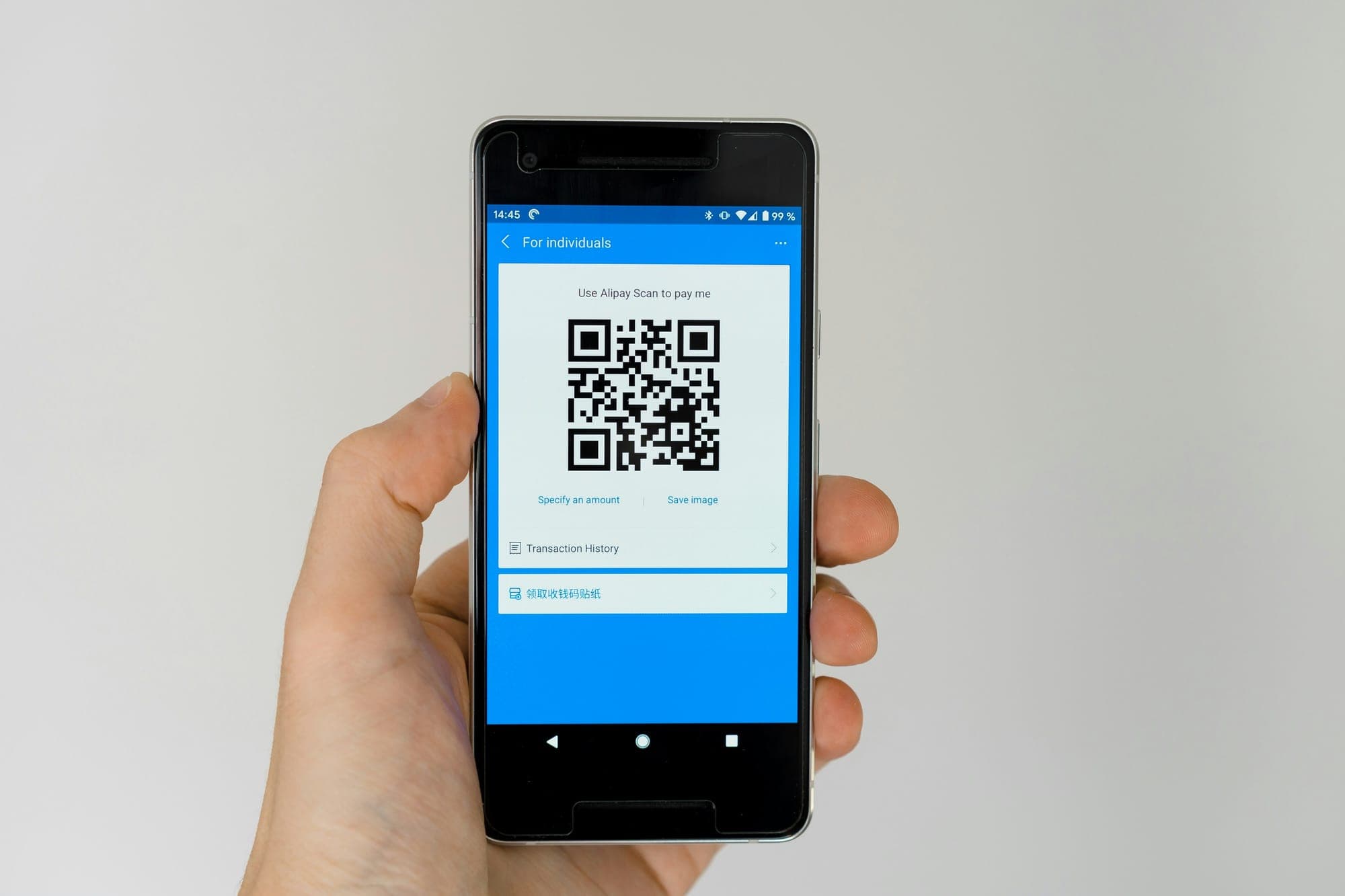
Once the menu is ready, place a QR code specific to each outlet: restaurant tables, the bar counter, pool loungers, the beach and guest rooms. When guests scan it, their location is known automatically, so nobody has to ask where they are sitting.
The key point is that guests should not have to download an app. A guest on holiday does not want to visit an app store for a single order; a web portal that opens in the browser removes that barrier.
4. Route Orders to the Right Department#
The biggest gain of digital ordering is that orders reach the right place without a middleman. Drinks go to the bar, food to the kitchen and room orders to the room service team, instantly. Each order should also show which room or location it came from, so staff know where to deliver.
Order states should be clear too: Waiting, Preparing, Done. When guests can see on their own screen which stage their order is at, "where is my order?" becomes a much rarer question.
5. Set Up Staff Screens and Roles#
If every employee sees everything, it is confusing and grants more access than anyone needs. In a good setup:
- A bartender only sees the orders for their own bar.
- A location manager runs their own area.
- The general manager sees the whole operation and all reports.
Getting roles right from the start also makes onboarding new staff easier: everyone learns only the screen that relates to their job.
6. Remove the Language Barrier#
Hotels welcome guests from many countries. Guests should see the menu in their own language, but the menu is only part of it. A note such as "no ice, please" or "I have a peanut allergy" should reach staff translated into a language they understand. Otherwise even the best system stays error-prone at the very last step.
7. Measure: Sales, Cancellations and Reviews#
The most overlooked benefit of going digital is that every order becomes a data point. Review these regularly:
- Sales by outlet: how busy is each bar and restaurant?
- Sales by product: which items sell well, and which just take up menu space?
- Sales by hour: where are the peaks, and does the staff plan match them?
- Cancellations: which items are cancelled, where, and why?
- Guest reviews: on criteria such as speed, taste, temperature and presentation, where does each location fall short?
Make reports a routine#
Data sitting in a panel is not enough; someone has to look at it. Daily, weekly and monthly reports landing in managers' inboxes automatically turn measurement into a habit.
8. Update the Menu Based on the Data#
The point of measuring is to make decisions. Remove items that do not sell, give profitable ones more prominence, and look at the recipe or presentation of items with low ratings. The advantage of a digital menu is that these changes take effect instantly, with no reprinting. The loop is simple: measure, change, measure again.
Common Mistakes#
There are a few traps hotels often fall into along the way:
- Stopping at a PDF menu. Linking a PDF to a QR code saves paper, but it does not take orders, produce data or change the workflow.
- Using disconnected tools. One app for orders, another form for bookings, a separate survey for reviews... Each tool keeps its own data, and nobody ever sees the full picture.
- Leaving staff out of the process. If the team who will use the screens is not consulted during setup, the system stays on paper.
- Postponing measurement. If data is collected but nobody looks at it, the most valuable part of going digital is wasted.
How Sunflow Supports These Steps#
Sunflow brings the steps above together on one platform. These features are available today:
- Guests open a web portal with a single QR code, without downloading an app, in five languages, and can order from the restaurant, bar, pool, beach and their room.
- Orders reach the bar, kitchen or room service instantly, together with the room or location they came from; staff only see orders for their own location.
- Menus support paid and complimentary time slots and allergen and calorie information, and order notes are translated into the staff's language.
- Menus, locations, QR codes and staff are managed from one admin panel, with general manager, manager and staff roles.
- Sales, product, cancellation and location analytics, multi-criteria order reviews and menu profitability analysis are available in the panel, and daily, weekly and monthly reports are also e-mailed to managers.
Setup, including menu entry and QR codes, is handled by the Sunflow team. To learn more, take a look at our hotel F&B operations management page.