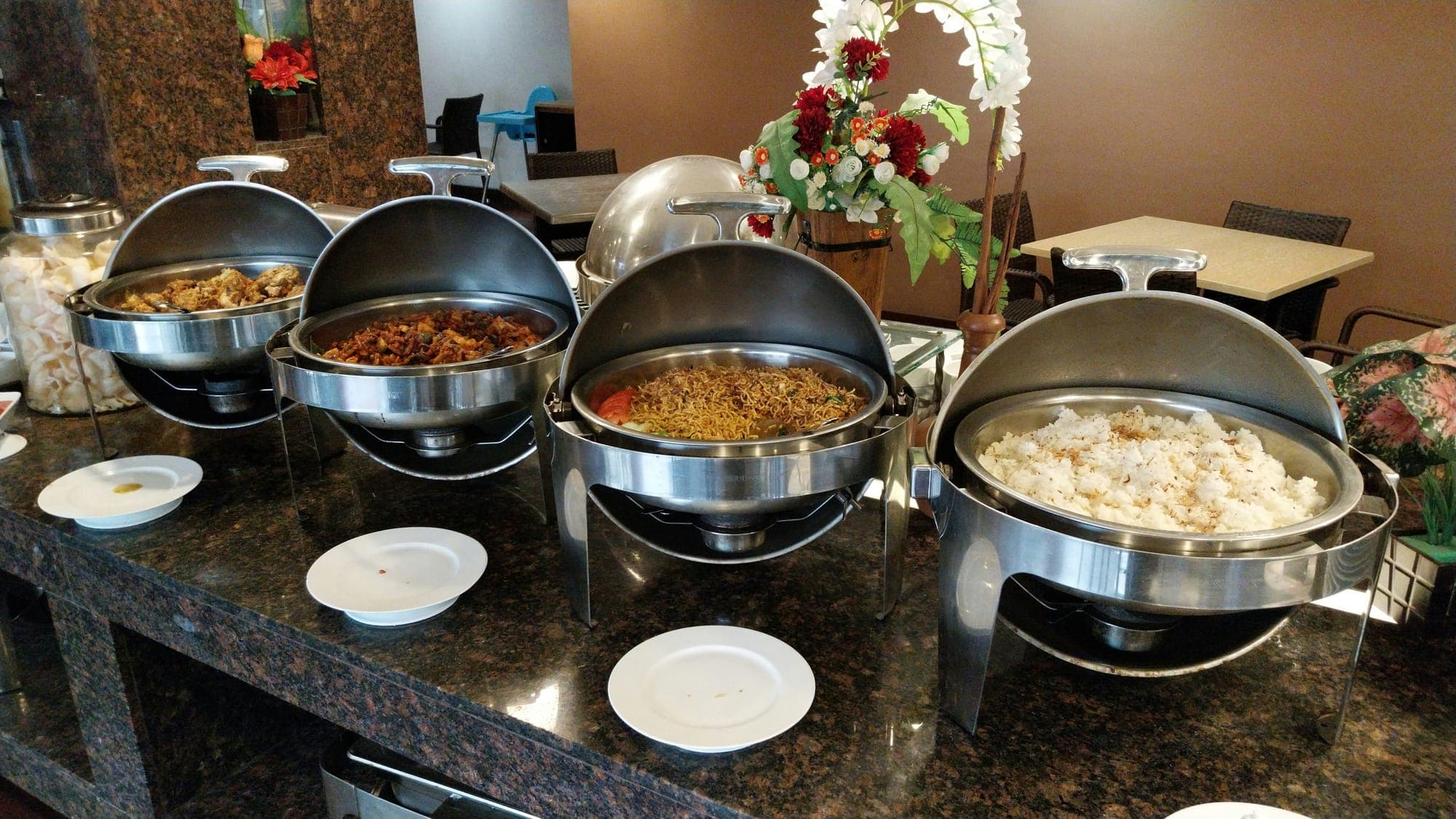



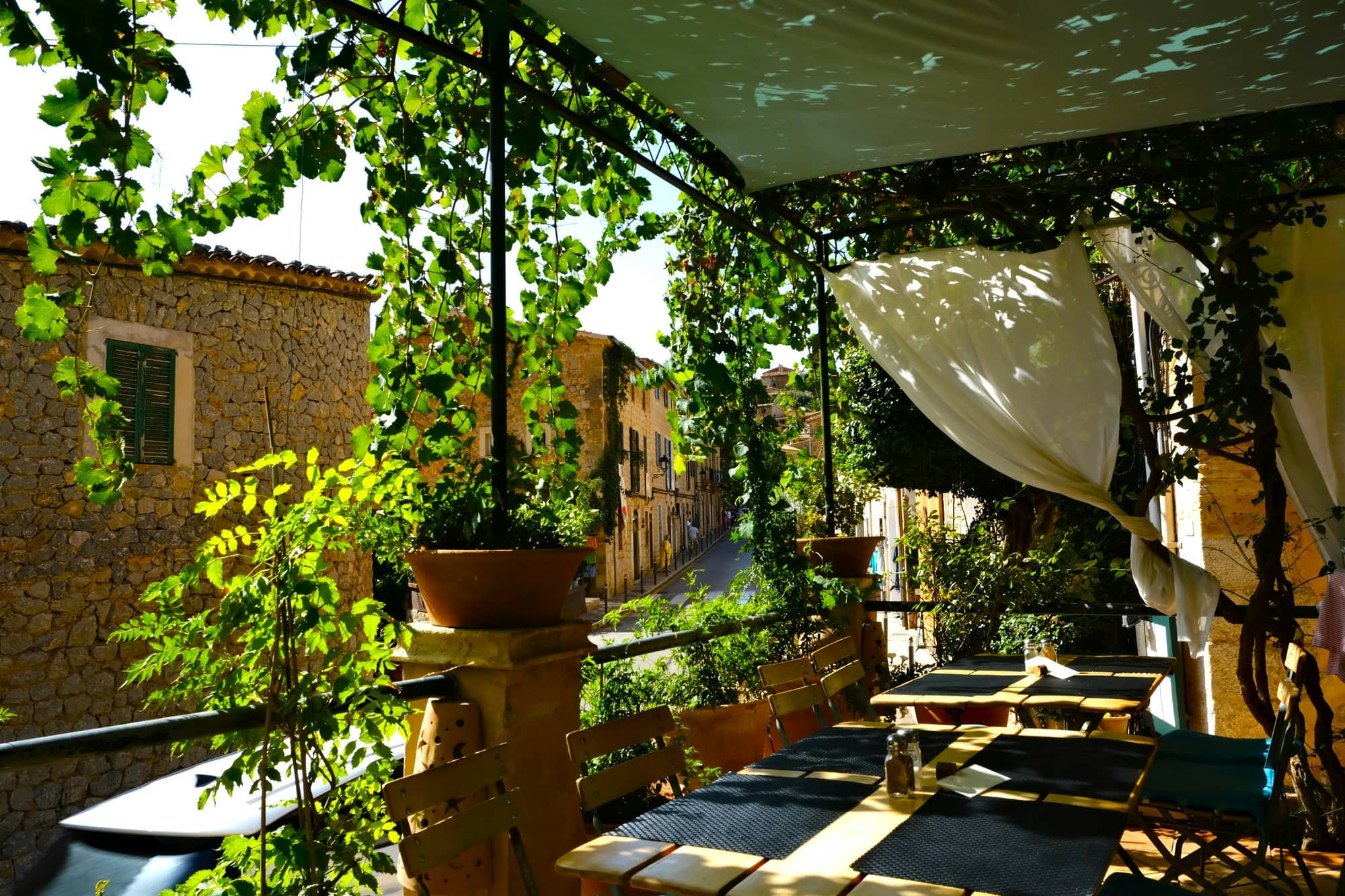
In an all-inclusive hotel the main restaurant carries most of the day, yet the evenings guests remember are often the ones spent in the à la carte restaurants. Italian, seafood, Asian or a steakhouse: these restaurants are part of what sets a stay apart from an ordinary one. The problem is that in many hotels the door to that experience, the reservation process, is still a notebook, a phone line and a long queue at the front desk.
In this article we look at what an à la carte reservation system is, where the traditional approach breaks down, what a good digital system should do and how to plan the switch.
What Does À La Carte Mean in a Hotel?#
À la carte is a restaurant format where guests choose individual dishes from a menu. Unlike a buffet, guests sit down, order and are served course by course. In all-inclusive hotels, à la carte restaurants are usually limited in capacity, open at set times and require a booking in advance.
Hotels position these restaurants in different ways:
- Included: guests are entitled to a number of complimentary à la carte dinners during their stay.
- Paid: the restaurant charges extra, per person or per menu.
- Mixed: some restaurants are included and others are paid, or a restaurant becomes paid once the free allowance is used.
Limited capacity makes the booking the most sensitive point of the à la carte experience. A badly handled reservation can spoil a guest's evening before it has even started.
Notebook, Phone and Front Desk: Where the Old Way Fails#
In the traditional setup, guests walk to the front desk or the guest relations desk, ask about available days and times, and a staff member writes it down in a notebook or a spreadsheet. It looks simple on paper, but in high season the same problems keep coming back:
- Queues and lost time: guests waiting in line in the morning lose holiday time and slow down every other task at the desk.
- No visibility: guests cannot see which times are taken and may have to come back several times to find a free slot.
- Double bookings and lost notes: the same table can be given twice, and special notes such as allergies or a birthday may never reach the restaurant.
- Language barriers: agreeing on details with guests who speak other languages, on the phone or at the desk, is error-prone.
- No-shows: tables sit empty because booked guests never arrive, and tracking who came and who did not is hard after the fact.
- No data: a notebook cannot tell you which restaurant is preferred on which days, at which times or by which guests.
What these problems share is that the information is not kept in one place, in real time. A digital reservation system fills exactly that gap.
What Should a Good À La Carte Reservation System Do?#
Not every digital solution is equal. An online form or an e-mail address simply moves the notebook somewhere else. A system that really helps should offer the following.
Live availability by time slot#
When guests pick a day, they should only see the times that are still available. Once capacity is reached, that slot should close automatically. This removes double bookings and lets guests plan without visiting the front desk.
Several restaurants in one place#
A hotel may run three, four or more à la carte restaurants, each with its own opening days, times and capacity. The system should show them all on one screen and allow separate rules for each.
Paid versus included#
When booking, guests should clearly see whether a restaurant is included in their stay or charged extra. That transparency prevents unpleasant surprises when the bill arrives.
Menu preview#
Guests should be able to browse the menu before deciding where to go. It helps them choose well and arrive looking forward to the meal.
Special requests#
Allergies, vegetarian preferences, an anniversary, a high chair... These details should be saved with the booking and reach the restaurant team. Notes passed on by word of mouth get lost; notes in the system stay.
Making no-shows visible#
The panel should show which bookings were honoured and which tables stayed empty. That visibility is the basis for improving capacity plans and booking rules over time.
Feedback after dinner#
The à la carte experience does not end when guests leave the table. A short review after the meal shows what each restaurant does well and where it falls short. Ratings split into a few criteria, such as taste, service and presentation, are far more useful than a single overall score.
Reporting#
Occupancy per restaurant, the most popular days and times and the language mix of guests are directly useful for menu and staff planning. For example, if one restaurant is mostly booked by guests who speak a particular language, it is worth paying extra attention to that restaurant's menu translations and team.
How to Plan the Switch to Digital Bookings#
You do not have to change everything at once. These steps keep the process orderly:
- Write down how things work today. Clarify each restaurant's opening days, seating times, table capacity and whether it is included or paid.
- Decide how guests will find it. A QR code in the room, the welcome information, the front desk and restaurant entrances are the most natural touchpoints.
- Prepare the team. Guest relations and restaurant staff should know how to view and manage bookings in the panel.
- Run both channels side by side for a while. Enter requests that still arrive by phone into the same system, so there is one single record.
- Review the data and adjust the rules. Which slots always fill up and which stay empty? Adjust seating times and capacity accordingly.
What to Look for When Choosing a System#
Before you decide, get clear answers to these questions:
- Do guests have to download an app, or can they open it straight from their phone?
- Does it support the languages your guests speak?
- Can it handle several restaurants with different rules?
- Can it separate paid and included restaurants?
- Are booking data and guest reviews reported?
- Does it sit alongside the hotel's other digital services, or is it yet another standalone tool?
The last question is often overlooked. When bookings, orders and reviews live in separate tools, data gets scattered and the team juggles several screens.
À La Carte Reservations in Sunflow#
Sunflow's à la carte module is available today and covers most of the needs described above. Guests open the web portal with a single QR code, without downloading an app, and book in five languages (Turkish, English, German, French and Russian):
- Several restaurants can be set up, each as paid or free.
- Guests pick the date and an available time on their own phone, can preview the menu and leave a special request note.
- Bookings are managed in the admin panel, and à la carte coupons can be created.
- Guests are asked for a multi-criteria review after dinner.
- Reservation analytics include breakdowns such as guest language.
Because the same portal also handles QR ordering and room service, guests reach every F&B service from one place. You can find more details on our à la carte reservation system page.